Available in Mukono
Enter your address to check delivery options near you.
Available in Mukono
Enter your address to check delivery options near you.
To order your Fifi Gifts and Flowers delivery in Mukono, all you have to do is open the Glovo website or app and go to “REGALO” category. Next, enter your address to see if delivery for Fifi Gifts and Flowers is available in your area of Mukono. Then you can choose the products you want and add them to your order. Once you complete the payment, your order will start to be prepared and soon after a courier will bring it directly to your door.
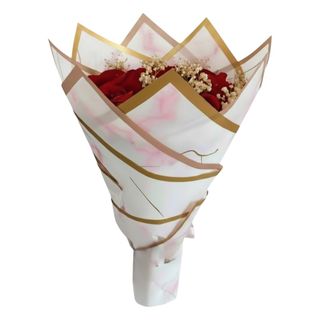
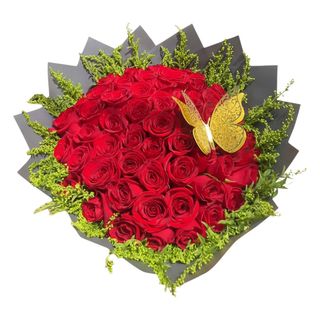
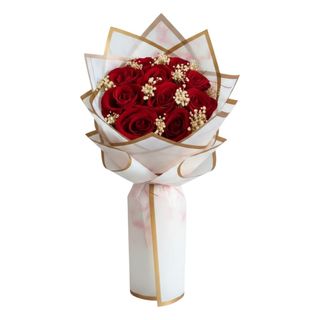
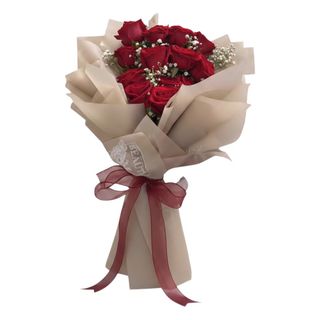
Fifi Gifts and Flowers offers a big variety of items you can order. Take a look at the product list and choose what you would like to order from Fifi Gifts and Flowers.
In order to see how much the delivery from Fifi Gifts and Flowers in Mukono costs, see the delivery fee at the top of the page. You will also be able to see it in the breakdown of costs before placing your order.
After adding your delivery address you will be able to see how long is the expected delivery time for each store in your area. You can also check the expected delivery time for your order from Fifi Gifts and Flowers at checkout.
Yes. Prime is Glovo’s subscription program where you get unlimited free deliveries from some of our partners and other benefits!
There is a minimum order quantity at Fifi Gifts and Flowers. But don’t worry - if you don’t reach you will only have to pay an additional fee, but your glovo will be delivered to you anyways!
Yes, of course! You can easily send products from Fifi Gifts and Flowers to someone else or make it a gift. All you need to do is introduce the correct delivery address in Mukono. Just before confirming the order you will be able to add contact details of the person who will receive it. You can also add an optional comment to let the courier know that the order is supposed to be a gift.